Puzzle platformer · 29 villages · 146 stages
The Hollow is going dark. Guide Gizmole, a small dented digging robot, through cavern after cavern to bring the lost Glimlets home.
Every brick you drill, crate you push and charge you blast changes the stage, so think before you dig. A free puzzle game for iPhone, iPad and Android.
Coming soon to the App Store and Google Play
How to play
Each stage is one cavern on one screen. It looks simple, until you need the brick you just drilled away.
The little glowing sprouts are scattered around the cavern. Touch one to bring it home.
Drill bricks, push crates, climb ladders and blast with charges. Every change is for good, so the order you do things in matters.
The gate opens once the last Glimlet is safe. Get there in time for a star, without help for three.
Left side: drag sideways to walk. Right side: swipe up to jump, tap to drill, swipe down to place a charge. Prefer buttons? Turn them on in Settings, and swap the sides if you like. The first six stages teach one move at a time.
See it in action
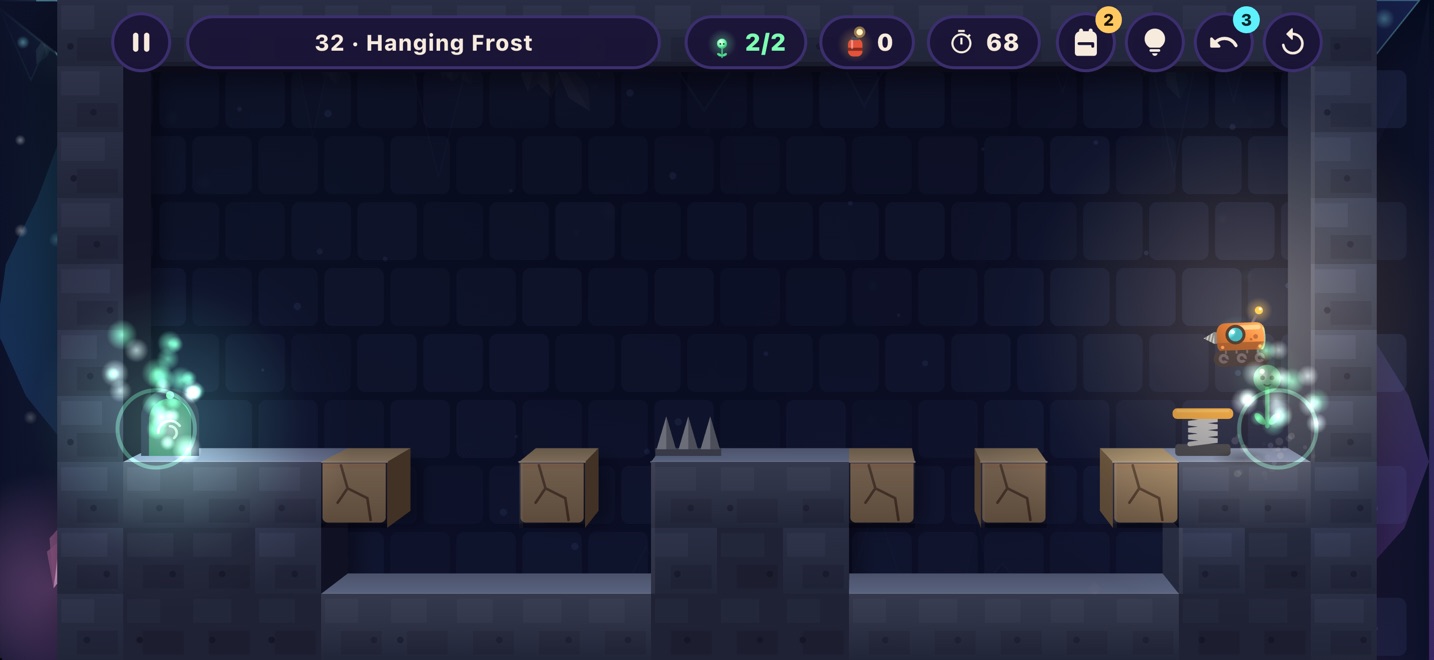
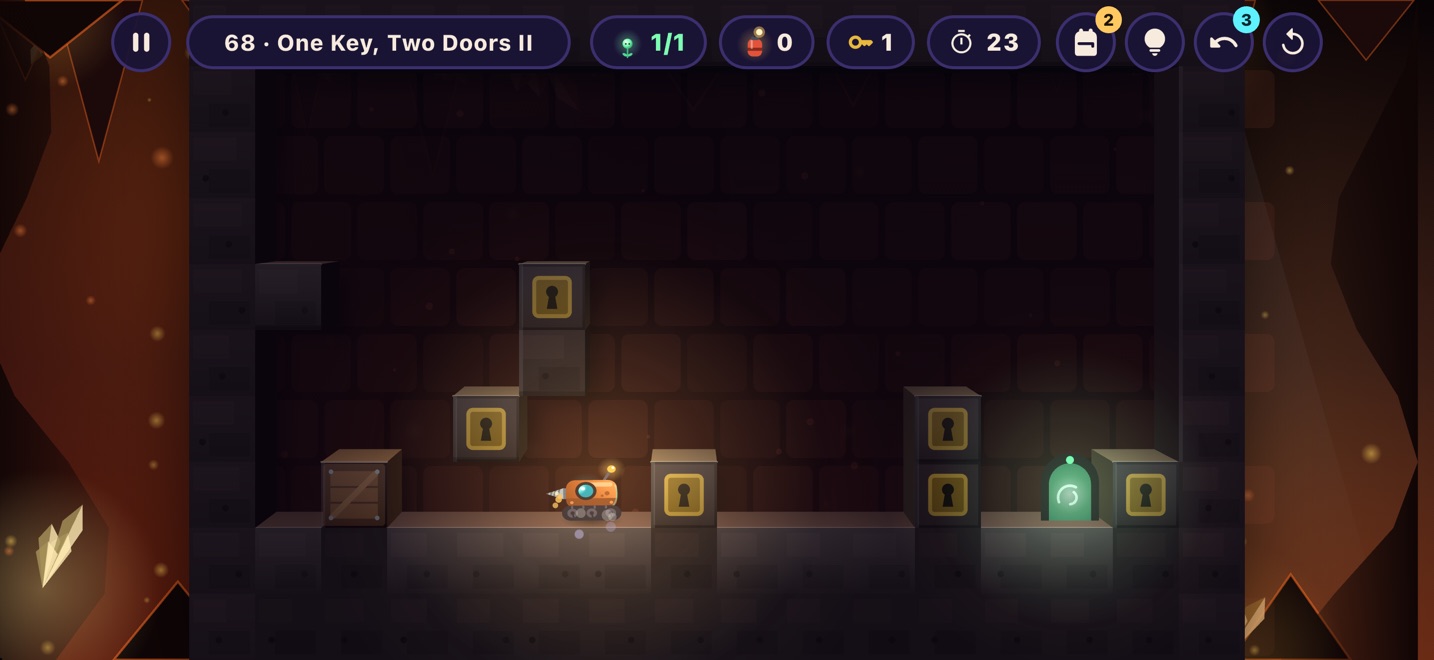
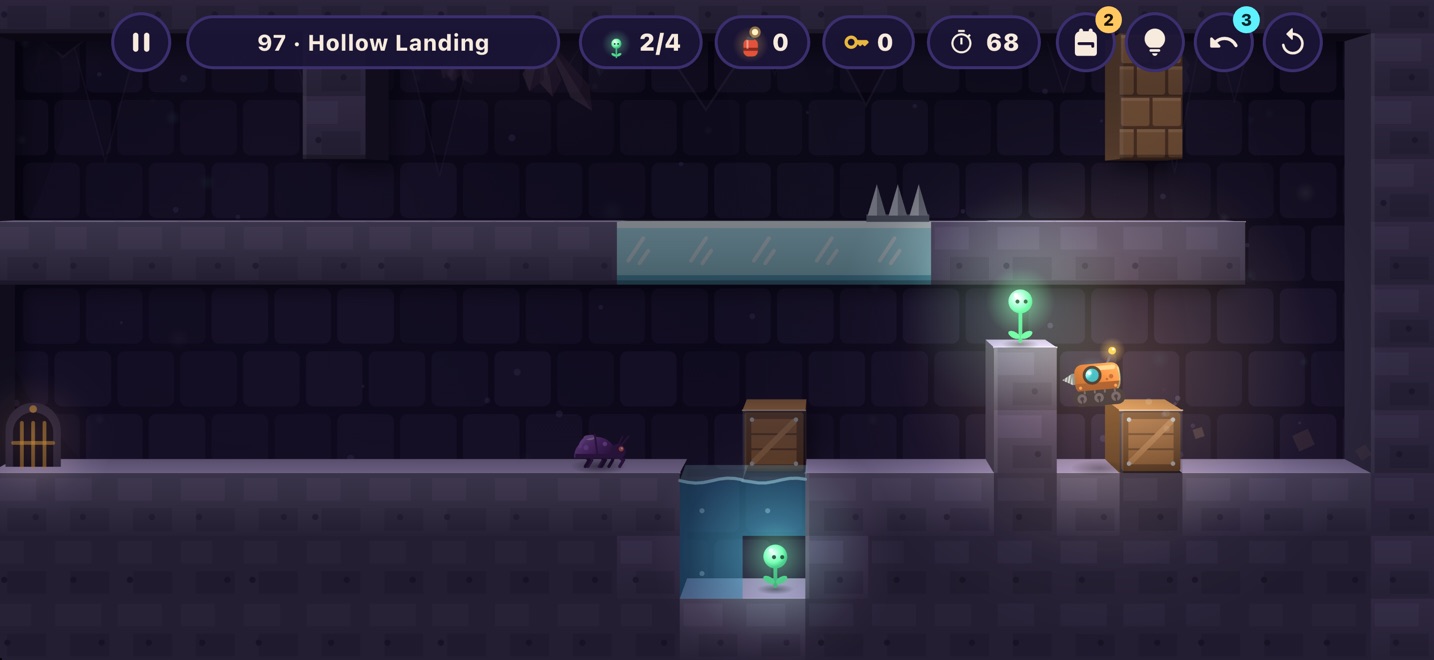
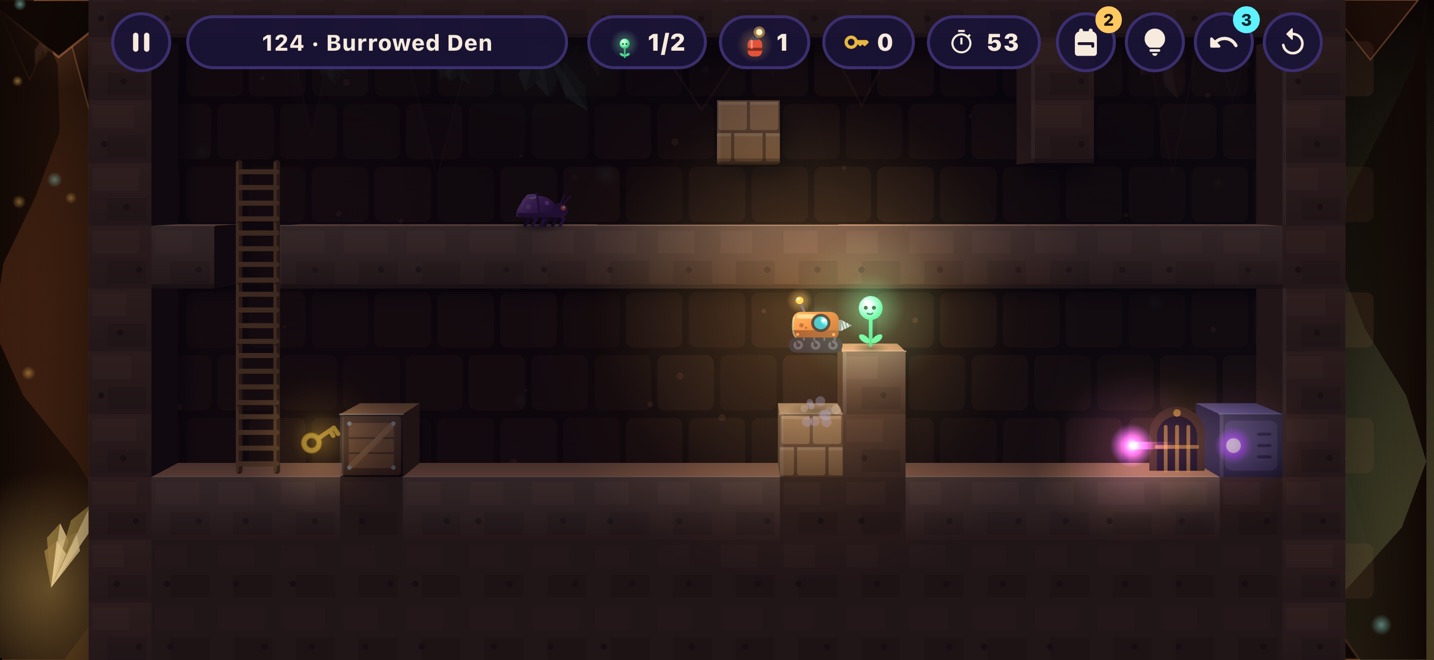
Real stages from the game, played start to finish. Watch the order: one wrong drill or push and the way out is gone.
146 stages
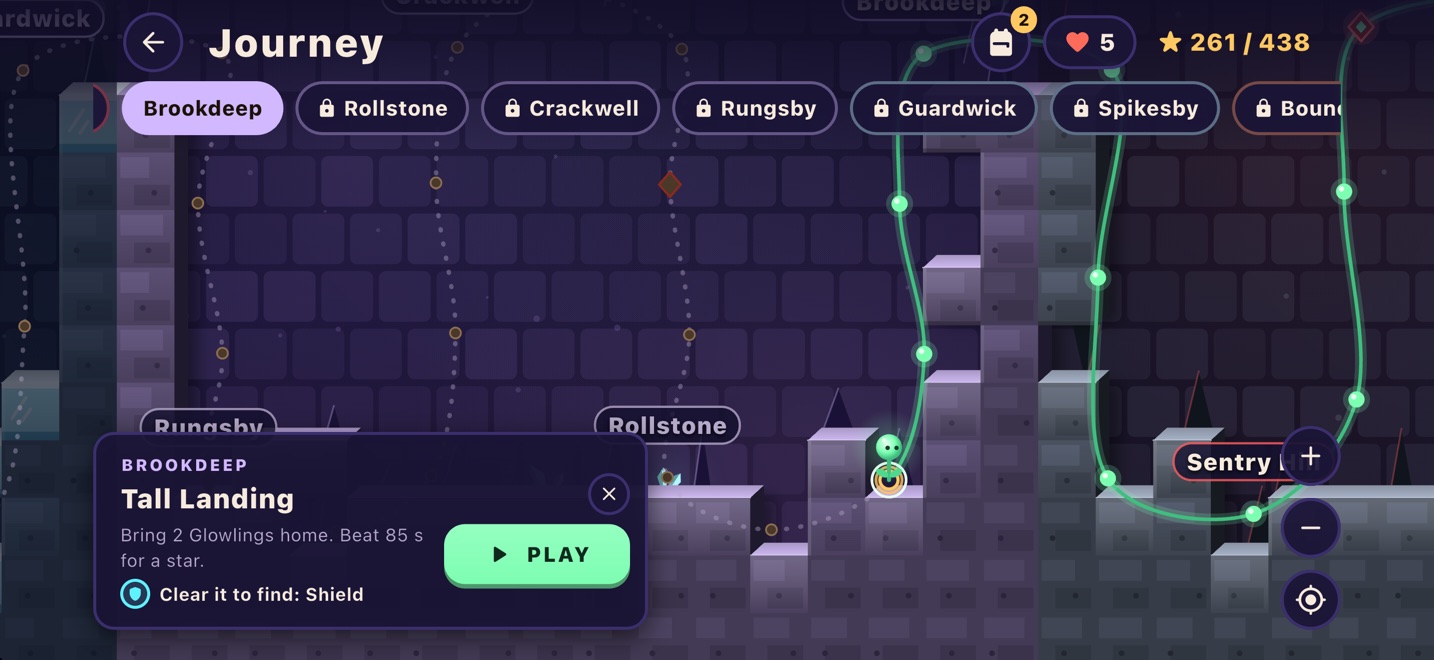
From Lanternby down to Corehollow, the heart of the mountain. Every village is named for what waits there, and the road only gets harder. New pieces arrive one at a time: springs, ice, boulders, water, keys and locks, Mimics that copy your every move, and Spark Sentries that fire on a rhythm.
Goals to chase
Clear a stage, beat its clock, and do it with no tips or tools. The clock only starts when you move.
13 Challenge stages with a tight clock. Clear one without help to win its crown.
For rescues, stars, streaks, clean runs and comebacks. Each one fills your satchel with a tool.
Rope ladders, planks, springboards, shields, an hourglass, a whistle that calls a Glimlet to you, and the Wish Star.
A free tool every day you play, growing over seven days to a Wish Star.
Three free undos in every stage, so mistakes count. Tap the bulb for a tip that shows just the next step, not the whole answer.
Free to play, fairly
Gizmole is free and supported by a few ads from Google. Ads never appear in the middle of a stage, and there are no banners.
Losing a stage costs one of five hearts, and one comes back every 20 minutes. Undo the losing move and you get it back. The first 12 stages are always free.
Watch a short ad to double the daily bonus, get a heart, or get three more undos. Always optional.
One purchase, for good: no ads between stages, endless hearts and endless undo. Works on every device on your Apple or Google account.
Your progress stays on your device. Sign in with Game Center or Google Play Games only if you want a backup. Read the privacy policy.
Questions
iPhone and iPad (iOS 15 or later) and Android phones and tablets (Android 7.0 or later). The game plays in landscape.
Yes. The game is free and shows a few ads. One optional purchase, Gizmole Plus, turns off the ads between stages and gives you endless hearts.
No. Every stage plays offline. You only need a connection for ads, purchases and backing up your progress.
No. Your progress is saved on your device. If you like, sign in with Game Center (iPhone, iPad) or Google Play Games (Android) to back it up and carry it to a new device.
Drag sideways on the left half of the screen to walk. On the right half, swipe up to jump, tap to drill and swipe down to place a charge. You can swap the sides, or switch to on-screen buttons, in Settings.
Tap the bulb for a tip: each one shows the next small step, not the whole answer. Undo takes back your last move: you get three free undos in each stage, and a short ad gives three more. Restart sets the stage up again. A Wish Star from your satchel clears a stage at once.
Clear the stage for one star, beat the clock for two, and do it without tips, tools or a Wish Star for three. The clock only starts when you first move, so take as long as you like to look first.
Losing a stage costs a heart, and you hold up to five. One comes back every 20 minutes. Undoing the move that lost the stage gives the heart back, and the first 12 stages never cost one. If you run out, wait, watch a short ad for one more, or get Gizmole Plus for endless hearts.
Challenge stages wait along the way, 13 in all. Their clock is tight and running out loses the stage. Clear one without tips or a Wish Star to win its crown.
Open the game each day for a free tool for your satchel. The gift grows over seven days in a row, up to a Wish Star on day seven, and starts over if you miss a day. You can watch an ad to double it.
A few, from Google AdMob. Some are your choice: watch one to double the daily bonus, get a heart back, or get three more undos in a stage. After the first stages, a full-screen ad may also appear between stages, at most once every four minutes. Ads never appear in the middle of a stage, and there are no banners. Gizmole Plus turns off the ads between stages.
If you signed in with Game Center or Google Play Games on the old device, sign in with the same account on the new one, from the Player screen. Your stages, stars and badges come back.
Open the Player screen and tap Restore purchases, signed in to the same Apple or Google account you bought it with.
Something else? Visit support or email rahul@procellari.com.
